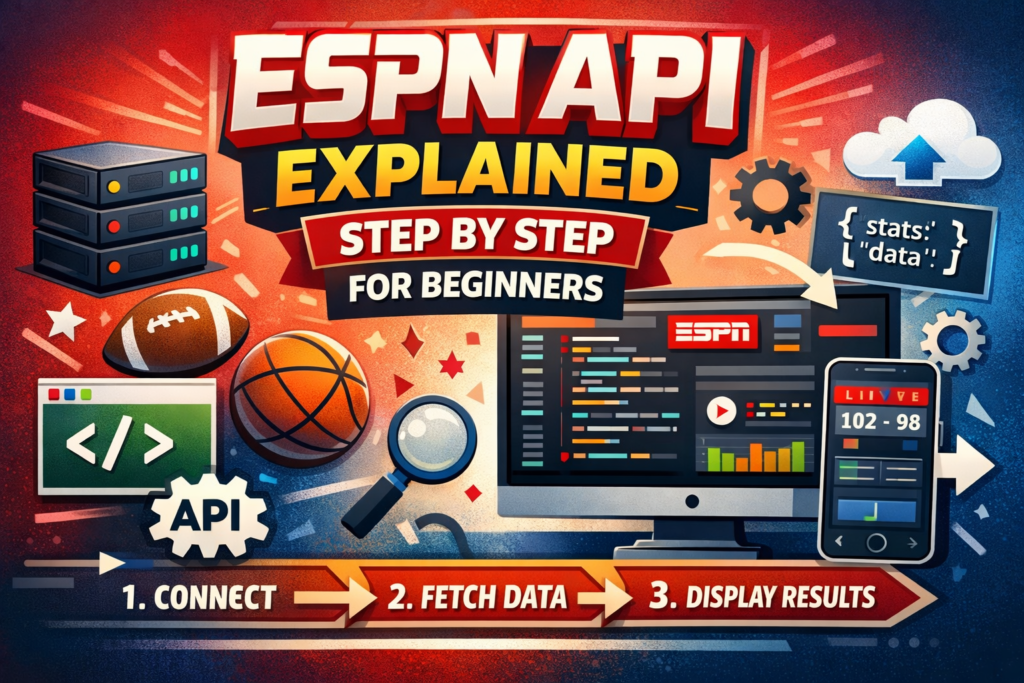
If you’ve ever wondered how websites and apps show live sports scores, match schedules, or player stats, the ESPN API is one of the tools that makes it possible. An API, or Application Programming Interface, is like a bridge that allows your app or program to communicate with ESPN’s data servers. Essentially, it lets you access real-time sports information, from scores and team standings to player statistics, without manually searching for the information. Understanding the ESPN API can be a fun and practical way to learn programming while exploring real-world data.
For beginners, using an API might sound complicated, but it doesn’t have to be. The ESPN API provides structured data that can be easily integrated into websites or apps, making it perfect for students, hobby developers, or anyone interested in learning coding with a practical project. By the end of this guide, you will have a clear understanding of how to access and use ESPN API step by step.
What is the ESPN API?
The ESPN API is essentially a collection of URLs, called endpoints, that return sports information in a structured format called JSON. Each endpoint corresponds to a specific type of data, such as live scores, team standings, match schedules, or player statistics. While ESPN does not officially provide a public API, developers have discovered these endpoints through the ESPN website and apps. This unofficial access allows beginners and hobbyists to experiment, build small projects, and learn about APIs in a real-world context.
Using the ESPN API requires no official key, which makes it beginner-friendly. However, it is important to note that these endpoints can change or stop working without warning, so it is best used for learning and small projects rather than production apps.
How to Use the ESPN API Step by Step
The first step is choosing the sport you want to access. ESPN has endpoints for multiple sports, such as NFL, NBA, and college football. Once you select the sport, you can use a simple request to fetch data. For instance, opening the NFL scoreboard endpoint in a browser will return a JSON file with information about ongoing and completed matches.
Next, you need to process this data in your application. Beginners often start with Python or JavaScript. For example, a small snippet in Python using requests.get() can fetch the JSON data and allow you to read team names, scores, and game status. Once the data is retrieved, you can display it in your app or website in a format that’s easy to understand, like a live scoreboard or player statistics table. The step-by-step nature of the process makes it ideal for students and beginners learning programming fundamentals.
Benefits and Practical Uses
The ESPN API offers several practical benefits, especially for students and beginner developers. It provides real-time data without the need for scraping or manually updating information, saving both time and effort. For school projects, it allows students to create interactive websites or apps that show live sports scores or player statistics. Additionally, it provides a hands-on way to learn data processing, JSON handling, and API integration.
Beyond education, hobby developers can use ESPN API to build small sports apps, dashboards, or visualizations that track team performance, league standings, or match outcomes. The real-world applicability of the data makes learning more engaging and encourages creativity while applying programming skills to tangible results.
Frequently Asked Questions
What is the ESPN API used for?
The ESPN API is used to fetch live sports data, including scores, schedules, player stats, and team standings. Beginners often use it for learning coding and building small projects.
Do I need a key to use the ESPN API?
No official API key is required, making it easy for students and hobby developers to access the data. However, because it is unofficial, the endpoints can change without notice.
Can I use ESPN API for commercial apps?
It is recommended to use it only for learning or small projects. For production apps, it is better to use official sports APIs to avoid interruptions.
Which programming languages are best for beginners?
Python and JavaScript are most commonly used because they can easily fetch and process JSON data from APIs, and many tutorials are available for these languages.
Conclusion
The ESPN API is a valuable resource for beginners looking to explore programming while working with real-time sports data. By understanding the API’s endpoints, fetching data, and displaying it in a readable format, students and hobby developers can gain practical experience in building interactive apps and websites. Its simplicity and accessibility make it an ideal tool for learning without overwhelming technical barriers.
While it is unofficial and subject to change, the ESPN API still offers a hands-on way to practice coding, work with JSON, and build engaging sports-related projects. Whether for school assignments, personal apps, or skill development, the ESPN API provides an exciting opportunity to combine programming knowledge with the world of sports dat.