Accessing all ESPN content can feel overwhelming due to the variety of platforms, subscription options, and formats available. Whether you want live scores, highlights, original shows, or detailed sports statistics, understanding how to access and manage ESPN content efficiently is crucial. In this guide, we will explain every method to get ESPN content, including leveraging the ESPN API for programmatic access, ensuring you can enjoy sports coverage seamlessly across devices.
What ESPN Content Includes
Live Sports Broadcasts
ESPN provides live coverage of major sports leagues, including NFL, NBA, MLB, NHL, and international competitions. These broadcasts include pre-game shows, live commentary, and post-game analysis, making it a one-stop platform for fans who want real-time coverage.
News and Analysis
In addition to live games, ESPN delivers up-to-date sports news, in-depth analysis, and expert opinions. Articles, newsletters, and website updates allow fans to stay informed on player trades, team performance, and upcoming events.
Highlights and Video Clips
ESPN offers a variety of highlight reels and video clips. These include game recaps, key plays, and trending sports moments. This content is optimized for quick viewing on mobile devices and social media platforms.
Original Shows and Documentaries
Beyond scores and highlights, ESPN produces original programming, including investigative documentaries and talk shows. Examples include 30 for 30 and E:60, which provide detailed storytelling and behind-the-scenes insights.
Social Media and Supplemental Content
ESPN actively shares content on social media, including Twitter/X, Instagram, TikTok, and YouTube. These channels deliver bite-sized updates, trending clips, and fan engagement content, complementing traditional broadcasts.
Official Ways to Access ESPN Content
ESPN Television Channels
Cable and satellite packages include ESPN, ESPN2, and ESPNews. These channels provide 24/7 live coverage of multiple sports and are the foundation of ESPN’s broadcasting network.
ESPN+ Streaming Service
ESPN+ is a subscription-based streaming platform offering live sports, exclusive events, and archived content. It supports multiple devices, including smartphones, tablets, and smart TVs.
ESPN Website and Mobile App
The ESPN website and app allow users to access scores, news, and video content. Features include push notifications for favorite teams, personalized news feeds, and interactive statistics.
Social Media Platforms
Follow ESPN on social media for updates, highlights, and clips. Platforms like YouTube provide video content, while Twitter/X shares live game updates and expert commentary.
Using ESPN Content Programmatically
Understanding ESPN APIs and Endpoints
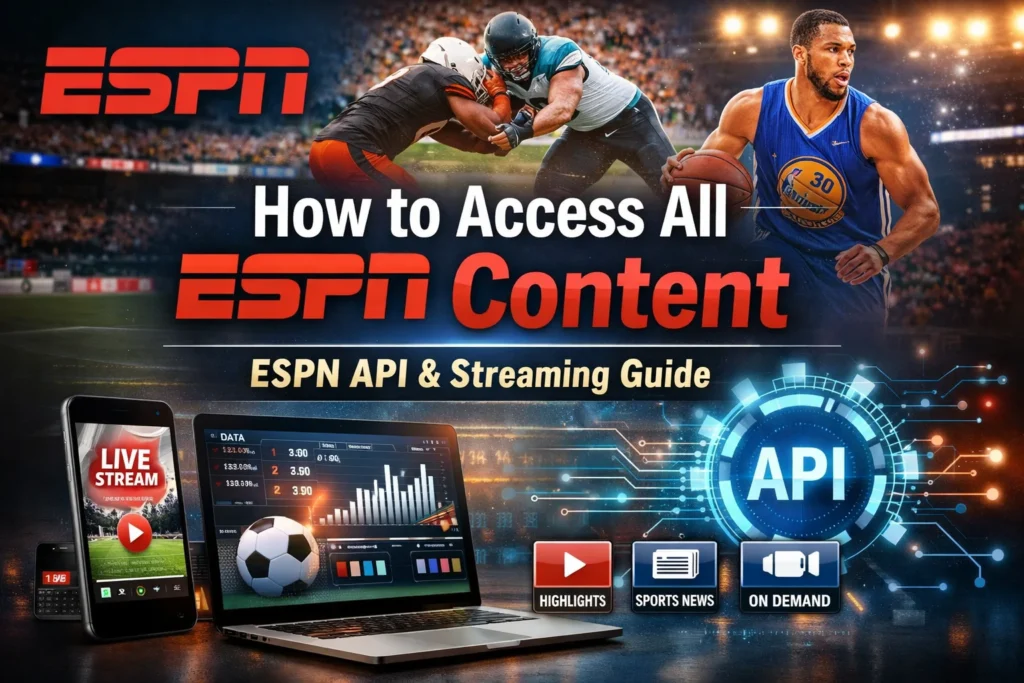
Developers and data enthusiasts can use the ESPN API to access live scores, player stats, and schedules programmatically. Publicly accessible endpoints allow developers to fetch data for apps, dashboards, and analytics tools.
Limitations of Official and Unofficial APIs
The ESPN API is not fully open for public use. Many endpoints are intended for internal or partner use, and unofficial APIs may break or change without notice. Relying solely on these endpoints for production applications carries risk.
Licensed Sports Data Providers as Alternatives
Professional developers often use licensed sports APIs such as SportsData.io, Sportradar, or RapidAPI. These services provide comprehensive, stable, and legally compliant access to sports statistics, news, and live scores.
Accessing ESPN Content for Different Devices
Desktop and Laptop Access
Desktop users can access ESPN content via the website, streaming services, or browser-based apps. Features include customizable dashboards, live stats, and interactive video players.
Mobile and Tablet Access
The ESPN mobile app provides access to live scores, video clips, and news alerts. Mobile-friendly features include push notifications, offline reading options, and personalized content feeds.
Smart TVs and Streaming Devices
Smart TVs and streaming devices such as Roku, Apple TV, and Fire TV support ESPN+ and cable subscriptions. Users can stream live events, replays, and shows directly on their television with high-quality video.
Tips for Maximizing Access to ESPN Content
Combining Subscriptions and Platforms
For complete coverage, combine ESPN+ with cable or satellite subscriptions. This ensures access to live broadcasts, premium streaming events, and on-demand content.
Customizing Notifications and Alerts
Use the ESPN app or website to set alerts for favorite teams, leagues, and events. This ensures you never miss key games or breaking news.
Offline Access and Download Options
Some ESPN content, such as articles and select video clips, can be saved for offline viewing. This is ideal for travel or areas with limited internet access.
Legal and Practical Considerations
Terms of Service and Copyright Restrictions
Always respect ESPN’s terms of service. Unauthorized redistribution, scraping, or commercial use of ESPN content without permission can result in legal consequences.
Avoiding Unofficial or Risky Methods
Unofficial APIs or scraping methods exist, they are unreliable and may violate ESPN policies. Licensed providers or official endpoints offer safe and consistent access to sports data.
Frequently Asked Questions
What is the ESPN API and how does it work?
The ESPN API is a set of endpoints that allow developers to access ESPN’s sports data programmatically. It provides information such as live scores, schedules, team and player statistics, and standings. Developers can use it to build apps, dashboards, or analytics tools.
Can I access all ESPN content using the ESPN API?
No, the ESPN API does not provide full access to all ESPN content. Many endpoints are private or intended for internal use. For complete coverage, combining official platforms like ESPN+, the website, and licensed sports data providers is recommended.
Is the ESPN API free to use?
Some ESPN API endpoints are publicly accessible for testing, but most reliable and complete data sources require a licensed sports data provider subscription. Unofficial endpoints may work temporarily but are not recommended for production use.
How can I watch all ESPN live games?
You can watch live games through cable or satellite subscriptions, the ESPN+ streaming service, or smart TV and streaming platforms. The ESPN website and mobile app also offer live streaming for certain events.
Can I access ESPN content on my mobile device?
Yes. The ESPN app provides access to live scores, news, highlights, and notifications. Mobile devices also support ESPN+ streaming and allow offline viewing for select content
Are there alternatives to the ESPN API for developers?
Yes. Licensed providers like SportsData.io, Sportradar, and RapidAPI’s sports hub offer legal, stable, and comprehensive sports data, including live scores, statistics, and news feeds.
Is it legal to scrape ESPN for data?
Scraping ESPN content is not recommended and can violate ESPN’s terms of service. Using licensed APIs or official endpoints is the safest way to access content programmatically.
Can I combine different ESPN services for full coverage?
Yes. Combining ESPN+, cable or satellite subscriptions, the ESPN app, and social media platforms ensures access to live broadcasts, highlights, original shows, and news updates.
Conclusion
Accessing all ESPN content requires understanding the available platforms, subscriptions, and programmatic tools. By combining official channels like ESPN+, the website, apps, and social media with careful use of the ESPN API or licensed sports data providers, fans and developers can enjoy comprehensive, real-time sports coverage. Always prioritize legal, stable, and official methods to ensure uninterrupted access and a professional-quality experience.