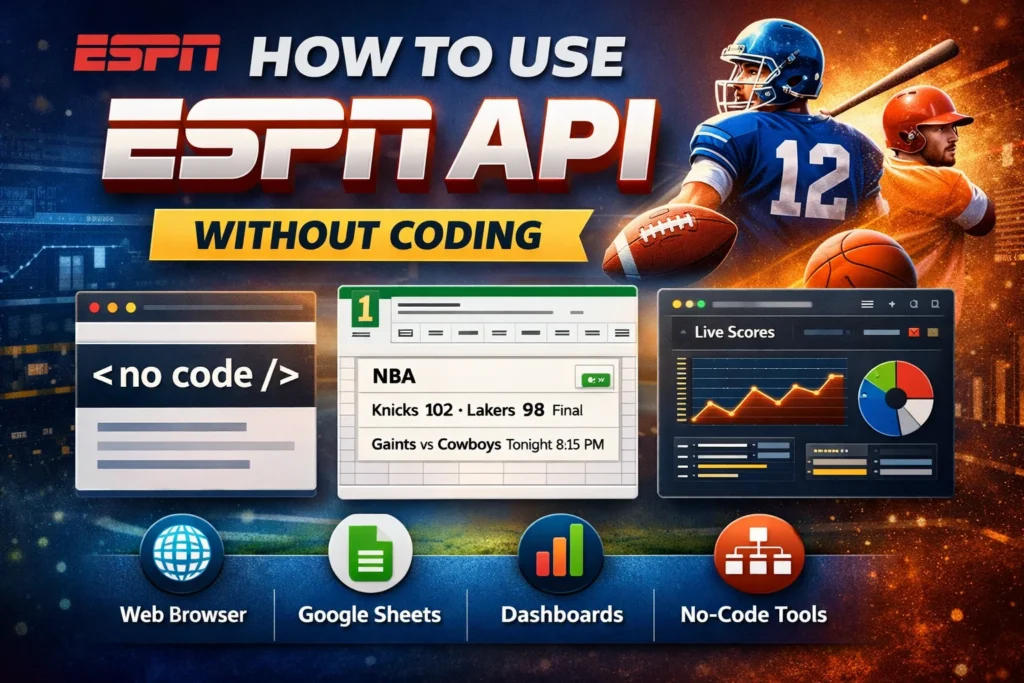
Imagine you’re a sports fan, content creator, analyst, or marketer who wants live scores, schedules, or stats from ESPN on your website, spreadsheet, or dashboard. You search for “ESPN API,” expecting a simple sign-up and dashboard only to realize there’s no official public ESPN API and most tutorials are full of code you don’t understand. This is where many beginners give up.
The good news: you can use ESPN’s data without coding, if you understand how ESPN delivers its data and how to pair it with no-code tools. This guide is written for beginners and non-developers who want practical, ethical, and realistic ways to work with ESPN data without writing a single line of code.
What the ESPN API Is and How It Works
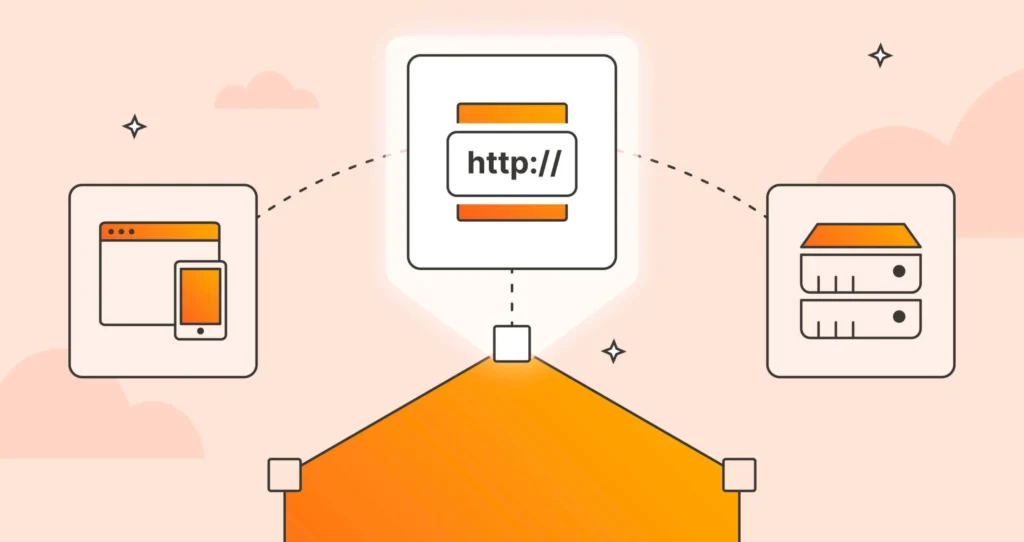
An API (Application Programming Interface) is a system that allows one application to request structured data from another. In ESPN’s case, this includes scores, schedules, standings, team details, and player statistics.
When you visit ESPN.com or use the ESPN app, your browser or phone doesn’t magically “read” the website it requests structured JSON data from ESPN’s servers. That data is then displayed visually as tables, scores, and charts.
Think of it like this:
- ESPN’s servers provide raw data (JSON).
- ESPN’s website is just a “viewer” for that data.
- You can view the same raw data directly, without coding, if you know where to look.
This is the foundation that makes using ESPN API data without coding possible.
Is There an Official ESPN API Available to the Public
One of the biggest misconceptions is that ESPN offers a public developer API like Google Maps or Twitter/X. It does not.
ESPN previously experimented with developer APIs years ago, but today:
- There is no official ESPN API signup.
- There is no API key for public developers.
- There is no official documentation for external use.
This matters because many beginners waste hours looking for an “ESPN developer portal” that doesn’t exist. Understanding this upfront saves time and frustration.
Understanding ESPN’s Unofficial Public Data Endpoints
Although ESPN doesn’t offer a public API, it uses public-facing JSON endpoints to power its own website and apps. These endpoints are accessible through standard URLs and return clean, machine-readable data.
For example, ESPN scoreboards, schedules, and game summaries are often delivered through URLs that look like structured data feeds rather than web pages.
Key characteristics of these endpoints:
- They return JSON, not HTML.
- They are accessible in a normal browse.
- They do not require authentication.
- They can change without notice.
This is why they’re often referred to as unofficial ESPN API endpoints. They are real, useful, and widely used but not guaranteed or officially supported.
When Using ESPN Data Without Coding Makes Sense
Using ESPN API data without coding is ideal in several real-world scenarios.
A sports blogger might want to embed up-to-date scores into a Google Sheet that powers weekly articles. A teacher might use real sports data in classroom exercises. A fantasy sports enthusiast might track trends visually without building an app.
It works best when:
- The project is personal, educational, or internal.
- You don’t need guaranteed uptime.
- You can tolerate occasional data structure changes.
- You are not reselling or redistributing the data commercially.
It’s less suitable for:
- Paid products.
- Large-scale automation.
- Enterprise-grade analytics systems.
Understanding these boundaries helps you avoid legal and technical problems later.
Tools You Can Use to Access ESPN API Without Coding
No-code access to ESPN data relies on tools that can fetch data from a URL and display or transform it visually.
Commonly used tools include:
- Web browsers with JSON viewer extensions.
- Google Sheets and Excel.
- Power BI and Tableau.
- Airtable.
- Zapier or Make (formerly Integromat).
- Retool (no-code mode).
These tools act as “visual interpreters” of ESPN’s data, letting you work with it using menus, forms, and tables instead of programming.
How to Access ESPN API Data Using a Web Browser
The simplest way to use ESPN API data without coding is through your browser.
When you open an ESPN data endpoint directly, you’ll see raw JSON instead of a formatted webpage. Modern browsers like Chrome and Firefox automatically format JSON in a collapsible, readable structure.
This approach is useful for:
- Learning what data is available.
- Manually copying value.
- Verifying scores or schedules.
- Teaching or demonstrations.
Many beginners mistakenly think something is “broken” when they see raw text. In reality, you’re looking at the data in its purest form.
How to View and Read ESPN API JSON Data Easily
At first glance, JSON looks intimidating. In practice, you only need to recognize a few patterns.
JSON is made up of:
- Objects (curly braces).
- Arrays (square brackets).
- Key–value pairs.
Instead of reading everything, focus on searchable terms like:
- team names.
- player names.
- scores.
- dates.
- status indicators such as “final” or “in progress”.
Using a browser JSON viewer extension can turn dense data into collapsible sections, making it much easier for beginners to explore without technical knowledge.
How to Use ESPN API Without Coding in Google Sheets
Google Sheets is one of the most powerful no-code tools for working with ESPN data.
You can import data directly from a URL and refresh it automatically. This allows you to create live scoreboards, schedules, or stat trackers with minimal effort.
A common beginner mistake is trying to import everything at once. Instead, focus on pulling only the specific fields you need, such as team names or scores, to keep sheets manageable.
Once imported, you can:
- Sort games by date.
- Highlight winners.
- Build charts.
- Share live dashboards.
For many users, this is the most practical way to use ESPN API data without coding.
How to Use ESPN API Without Coding in Excel
Excel offers similar capabilities, especially for users in corporate or offline environments.
Using Excel’s “Get Data from Web” feature, you can connect to ESPN endpoints and transform the data visually using Power Query. This allows you to:
- Clean and filter data.
- Rename columns.
- Refresh data manually.
- Combine ESPN data with your own datasets.
Excel is particularly useful for analysts who want sports data alongside business metrics, research projects, or forecasting models.
How to Build Dashboards Using ESPN API Without Coding
Dashboards turn raw ESPN data into insights.
Tools like Power BI or Tableau can connect to ESPN endpoints and transform JSON into interactive visuals such as:
- Live scoreboards.
- Win–loss trends.
- Team performance comparisons.
- Season timelines.
A common pitfall is overloading dashboards with too much data. The most effective dashboards focus on a single question, such as “How is my team performing this season?” rather than trying to show everything at once.
Using ESPN API Data in No-Code and Low-Code Platforms
No-code platforms allow you to treat ESPN data as a live data source.
With tools like Airtable, Zapier, or Retool, you can:
- Store ESPN data in structured tables.
- Trigger automations when scores update.
- Sync data across tools.
- Build internal tools without engineering resources.
For example, a content team might automatically update a CMS field with the latest scores before publishing articles, all without writing code.
Using ESPN Fantasy Data Without Coding
Fantasy sports users have a unique advantage: ESPN Fantasy already exposes much of its data through league views and exports.
Many fantasy players:
- Track stats manually using exports.
- Sync fantasy data into spreadsheets.
- Use third-party no-code tools designed for ESPN Fantasy.
This approach is often easier and safer than working with general ESPN endpoints, especially for beginners.
Common ESPN API Endpoints by Sport and League
ESPN structures its data by sport and league, which makes it intuitive even for non-technical users.
Typical categories include:
- Football (NFL, NCAA).
- Basketball (NBA, WNBA, NCAA).
- Baseball (MLB).
- Soccer (various leagues).
- Hockey (NHL).
Understanding this structure helps you navigate data logically instead of guessing or randomly clicking links.
Best Practices for Using ESPN API Without Coding
Using ESPN data responsibly and effectively requires discipline.
Smart practices include:
- Caching data instead of refreshing constantly.
- Monitoring for broken or changed endpoints.
- Documenting where your data comes from.
- Using ESPN data as a reference, not a dependency.
Many beginners refresh data every few seconds, which increases the risk of being blocked. Slower, intentional updates are safer and more reliable.
Limitations and Risks of Using ESPN API Without Coding
There are real limitations you should understand before relying on ESPN data.
Because the endpoints are unofficial:
- Data structures can change unexpectedly.
- Endpoints may disappear.
- There is no support or SLA.
- Heavy usage may be restricted.
This doesn’t mean you shouldn’t use them—it means you should design projects that can adapt.
Legal and Terms of Service Considerations
ESPN’s content is protected by terms of service and intellectual property laws.
Generally safe uses include:
- Personal projects.
- Education.
- Internal dashboards.
- Research.
Risky or prohibited uses include:
- Reselling ESPN data.
- Republishing large datasets.
- Building paid products on ESPN feeds.
- High-frequency automated scraping.
When in doubt, consider official sports data providers that offer licensing and support.
Alternatives to ESPN API for No-Code Users
If you need stability, legal clarity, or commercial usage rights, third-party sports data providers are a better option.
Many offer:
They cost money, but they eliminate uncertainty and risk—especially for businesses.
Frequently Asked Questions
Is there an official ESPN API I can use without coding?
No. ESPN does not provide an official public API for developers or non-developers. All commonly used ESPN data endpoints are unofficial and intended for ESPN’s own website and apps.
Do I need an API key to use ESPN data?
No API key is required to access ESPN’s public JSON endpoints. These endpoints are accessible through standard URLs, which makes them usable with browsers, spreadsheets, and no-code tools.
Is it legal to use ESPN API data without coding?
Using ESPN data for personal, educational, or internal purposes is generally considered low risk. Republishing, reselling, or using the data commercially may violate ESPN’s Terms of Service and should be avoided.
Can ESPN block access to these endpoints?
Yes. Because the endpoints are unofficial, ESPN can change, restrict, or remove access at any time. Heavy or frequent automated requests increase the risk of being blocked.
Can I use ESPN API data in Google Sheets without coding?
Yes. Google Sheets can import data directly from ESPN endpoint URLs, allowing you to view scores, schedules, and stats without writing any code.
Can I build dashboards using ESPN API data without coding?
Yes. Tools like Power BI, Tableau, and Airtable allow you to connect to ESPN data URLs and create visual dashboards using no-code or low-code interfaces.
Is ESPN API data reliable for long-term projects?
It can be reliable for hobby or reference projects, but it is not guaranteed. Because the endpoints are unofficial, they may change without notice, making them unsuitable for mission-critical systems.
Can I use ESPN API data for a commercial website or app?
This is not recommended. Commercial use typically requires licensed data from official sports data providers to ensure legal compliance and reliability.
What sports are available through ESPN API endpoints?
Most major sports covered by ESPN are available, including NFL, NBA, MLB, NHL, college sports, and many international soccer leagues, though coverage and structure may vary.
What is the best alternative to ESPN API for no-code users?
If you need stability, legal clarity, or commercial usage rights, third-party sports data providers like SportsDataIO, API-Sports, or TheSportsDB are better options and often support no-code integrations.
Conclusion
Using the ESPN API without coding isn’t about hacking or shortcuts it’s about understanding how modern websites deliver data and using the right tools responsibly. Once you realize that ESPN already provides structured data publicly, the problem shifts from “How do I code this?” to “How do I use this data wisely?”
For beginners, the biggest wins come from starting small: viewing data in a browser, importing it into Google Sheets, and building simple dashboards. These approaches are powerful enough for bloggers, educators, analysts, and hobbyists, yet simple enough to avoid technical overload. At the same time, understanding the limitations unofficial endpoints, legal boundaries, and reliability risks keeps your projects safe and sustainable.